Watch mode
See what Mittaris would do with every ticket before it assigns anything. Turn on auto-assign when you are ready.

Features
Mittaris reads every new ticket, decides who should have it, assigns it in your PSA and keeps an eye on it afterwards. Here is what it does along the way.
Triage
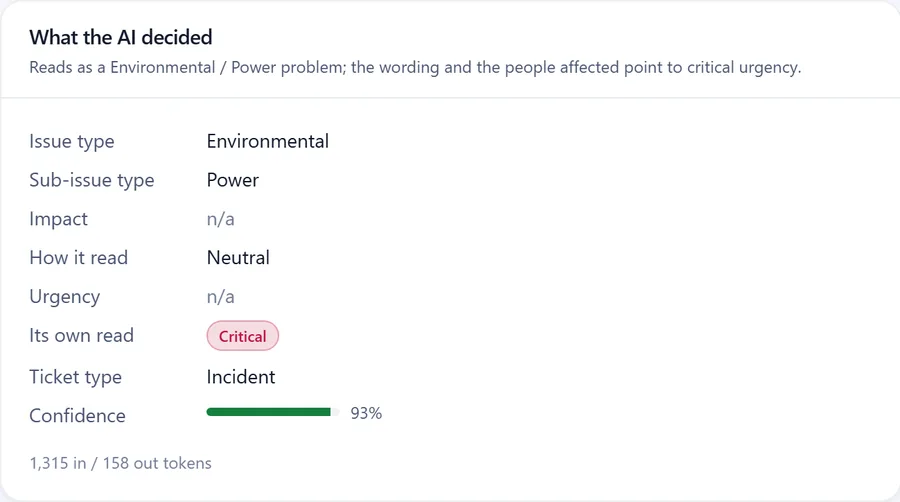
Claude reads the title, the description and the client's own words, then sets the issue type, sub-issue, priority and ticket type, and says how sure it is.
Balance
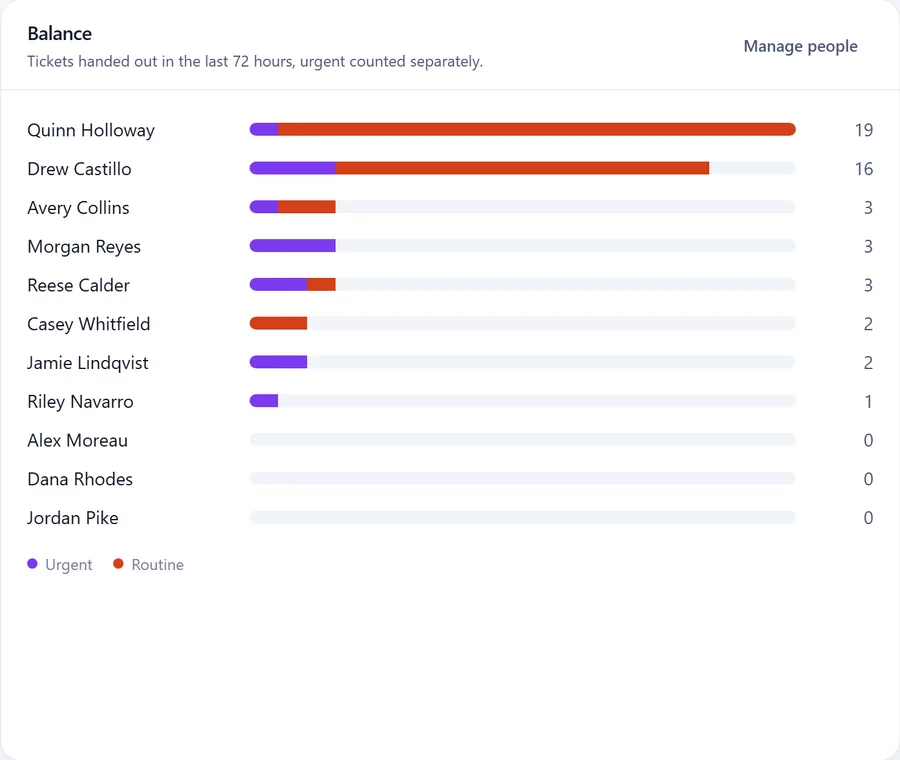
Each ticket goes to the eligible person with the lightest load. Urgent and routine work are counted separately and everybody starts level each day.
Nobody is handed work while they are off, out of hours or already at their limit.
Candidates
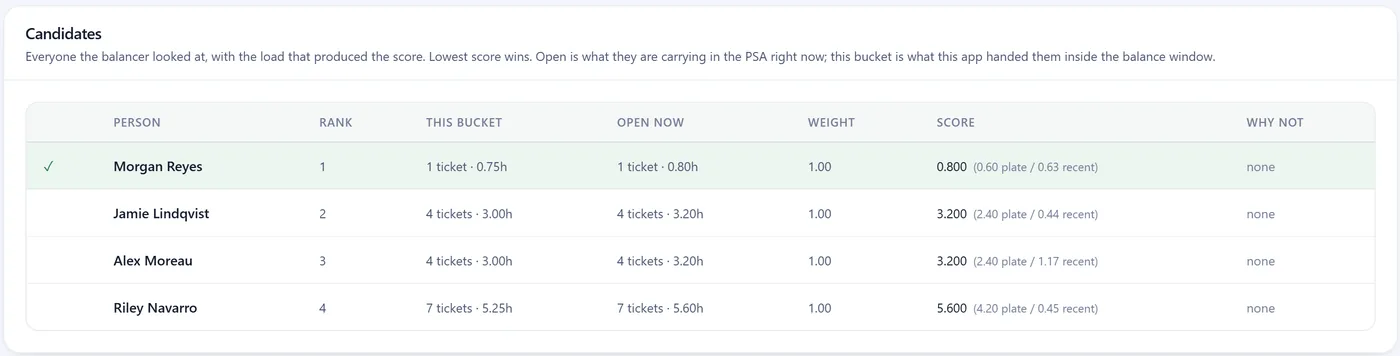
Every decision lists everybody the balancer looked at, with what they were carrying and the score that put them in order. Lowest score wins, and anybody passed over says why.
Rules
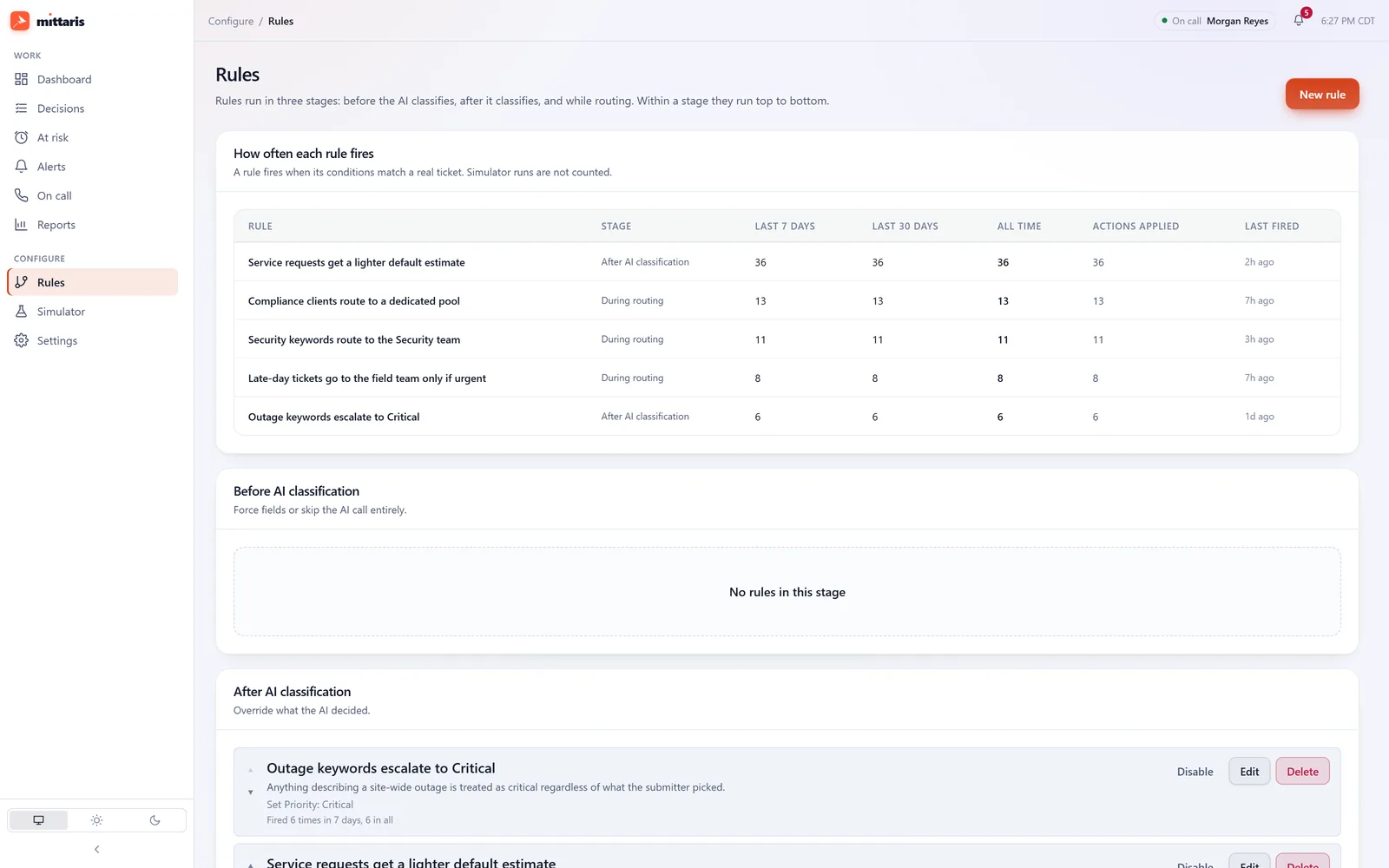
Rules run before the AI classifies, after it classifies and while routing. Send security wording to the Security team, keep compliance clients with a dedicated pool, or treat any outage as Critical.
Every rule shows how often it fires, so a rule that never matches is easy to spot.
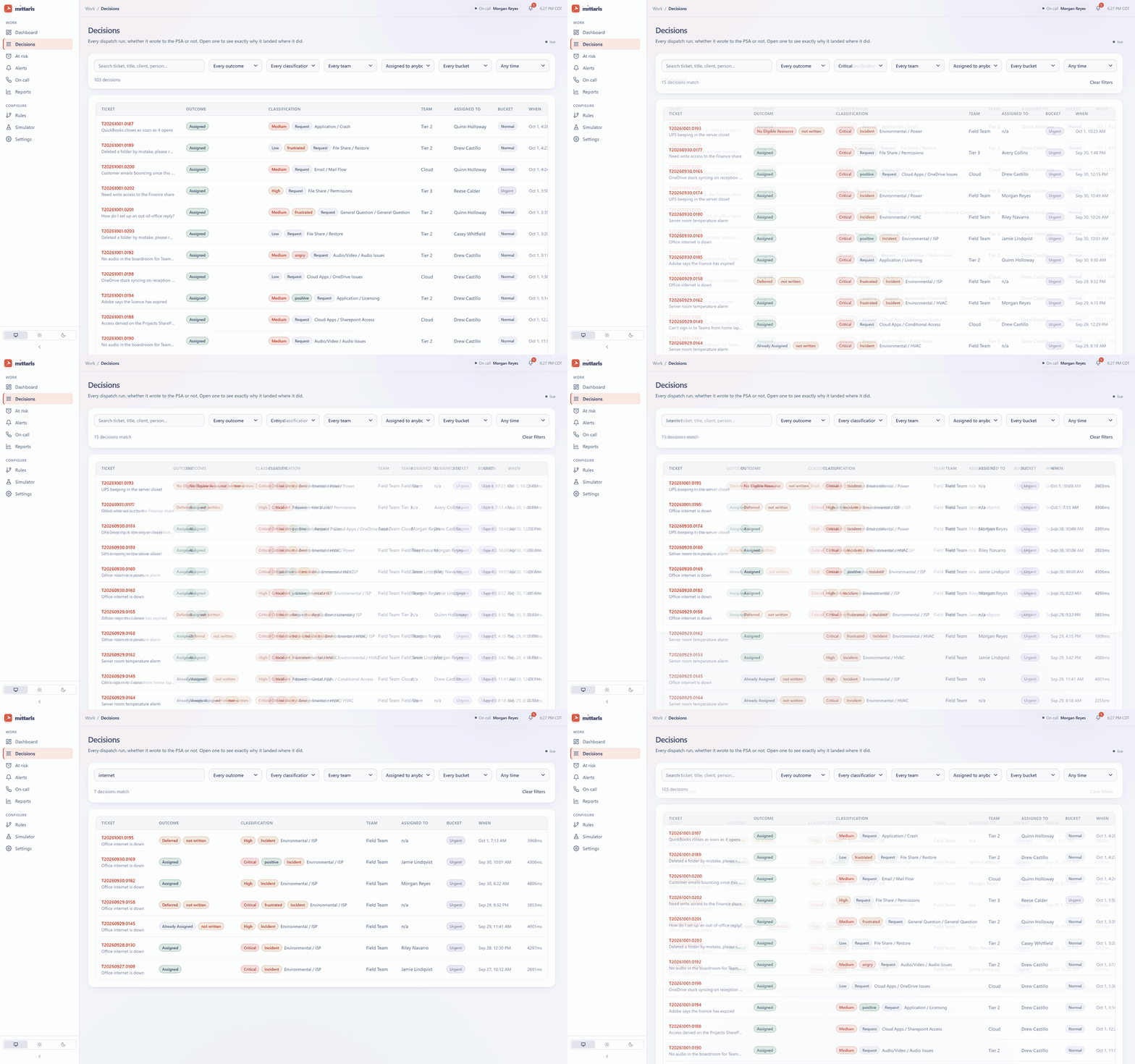
Decisions
Search by ticket number, title, client or person. Filter by outcome, classification, team, who it went to, bucket and when.
Filters live in the address, so a view can be shared with a link.
Client mood
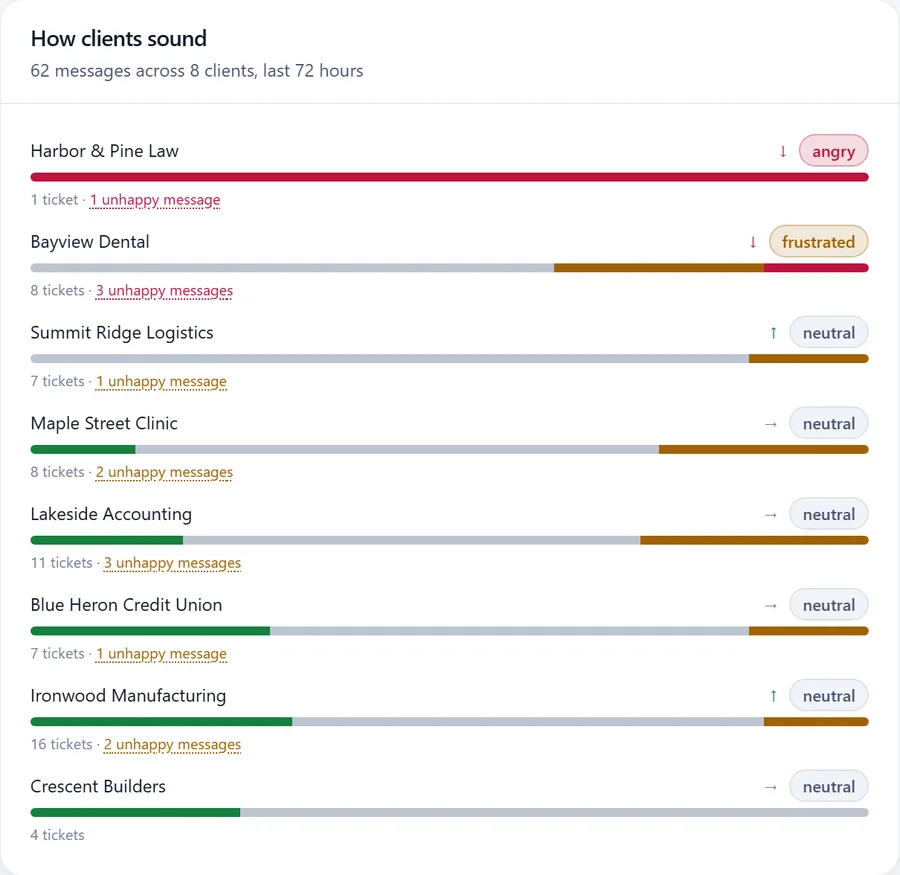
Mittaris reads the tone of every message and shows which clients sound frustrated, with the messages that made them read that way. Alerts can fire when a reply reads badly.
Teams and skills
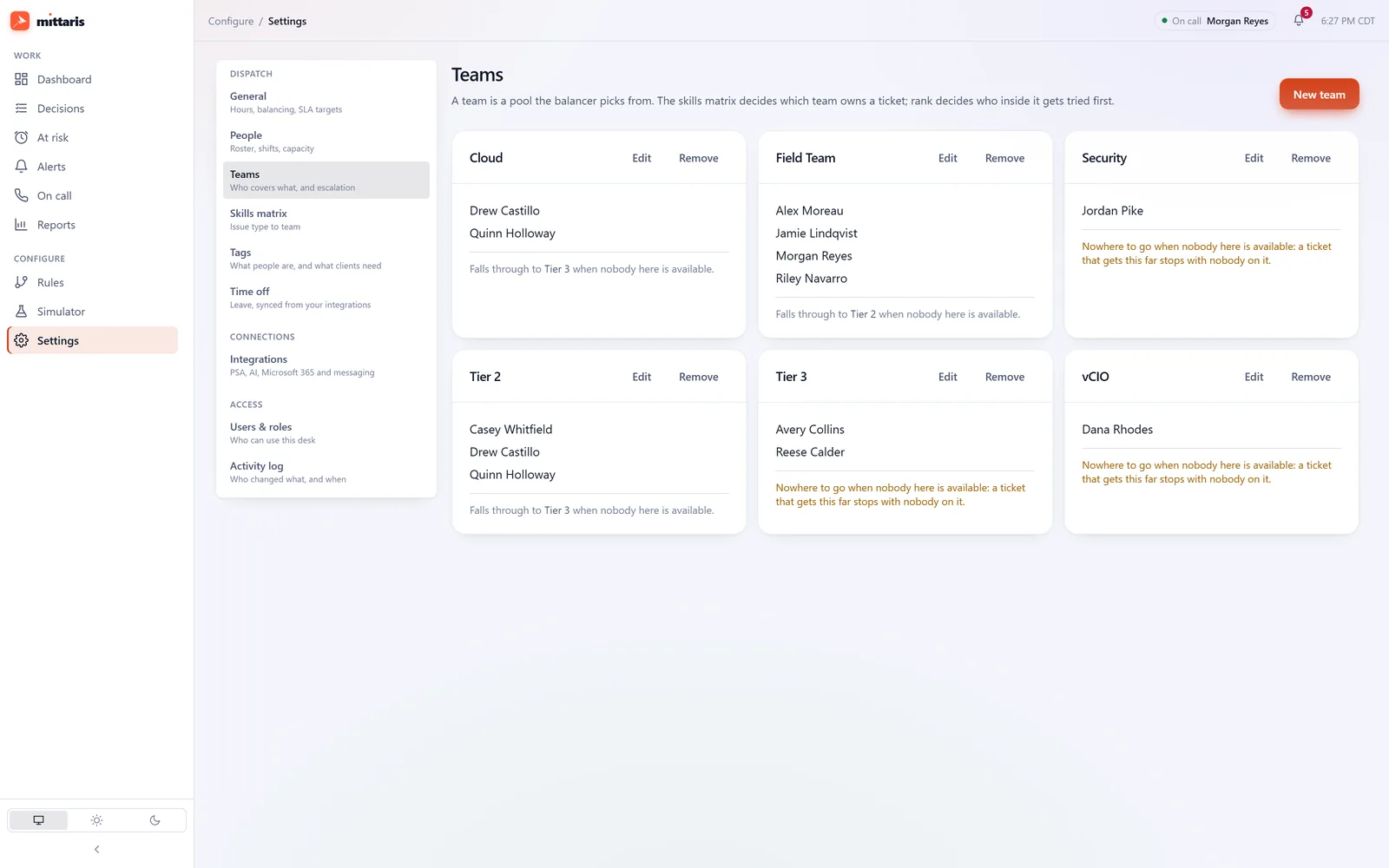
Bring your technicians in from the PSA, group them into teams and fill in the skills matrix, so every issue type has the people who handle it. Tags match what people are with what clients need.
And the rest
See what Mittaris would do with every ticket before it assigns anything. Turn on auto-assign when you are ready.
Run a made-up ticket through the real pipeline and see who would get it. Nothing is written to the PSA.
Everything still on a service-level clock, soonest first, with the tickets nobody could take at the top.
Who hears about a ticket, and when: an SLA clock running low, a client replying, or a message that reads badly.
SLA performance, ticket intake, workload balance and client mood. Run them now or have them sent by Teams or email.
Viewer, Dispatcher, Manager and Admin roles, and an activity log of who changed what, and when.
Tell us about your desk and we will set it up with you, in watch mode first, so you see every decision before Mittaris makes one.